Everything it does
Your photos, on rotation
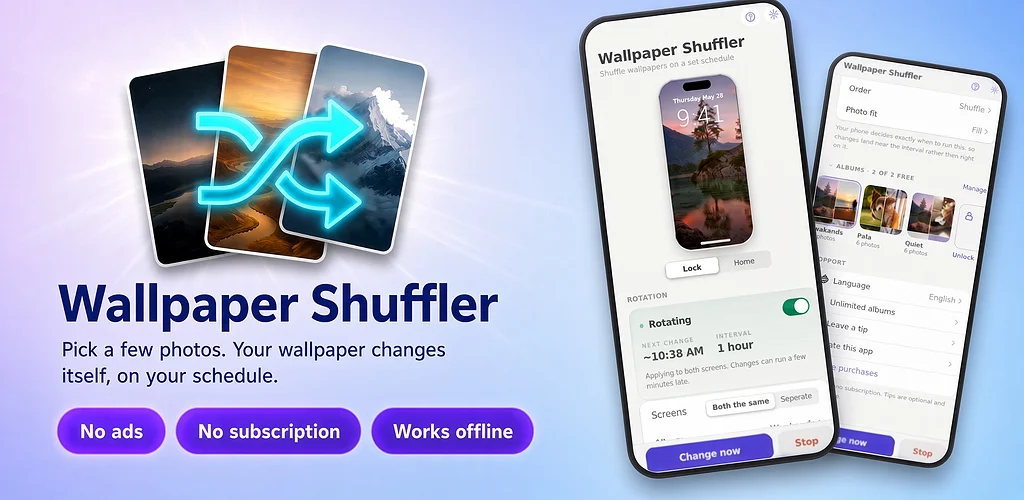
Rotates through photos you pick. Not a wallpaper store, not stock art.
Every unlock, or on a timer
A new wallpaper every unlock, or every 15 minutes, 6 hours, day or week.
Separate screens
Run one album everywhere, or give the lock screen its own album, order and timing.
Five ways to frame
Fill, fit, stretch, center or tile. Portraits and panoramas both land right.
Auto-add
New photos can join the rotation by themselves. Nothing already in your library moves.
17 languages
From English and Spanish to Hindi, Japanese and both Simplified and Traditional Chinese.
iPhone and Android
On Android
Wallpaper Shuffler sets the wallpaper itself, on schedule, for the home screen, the lock screen or both. Phones, tablets and foldables, Android 7.0 and up.
On iPhone and iPad
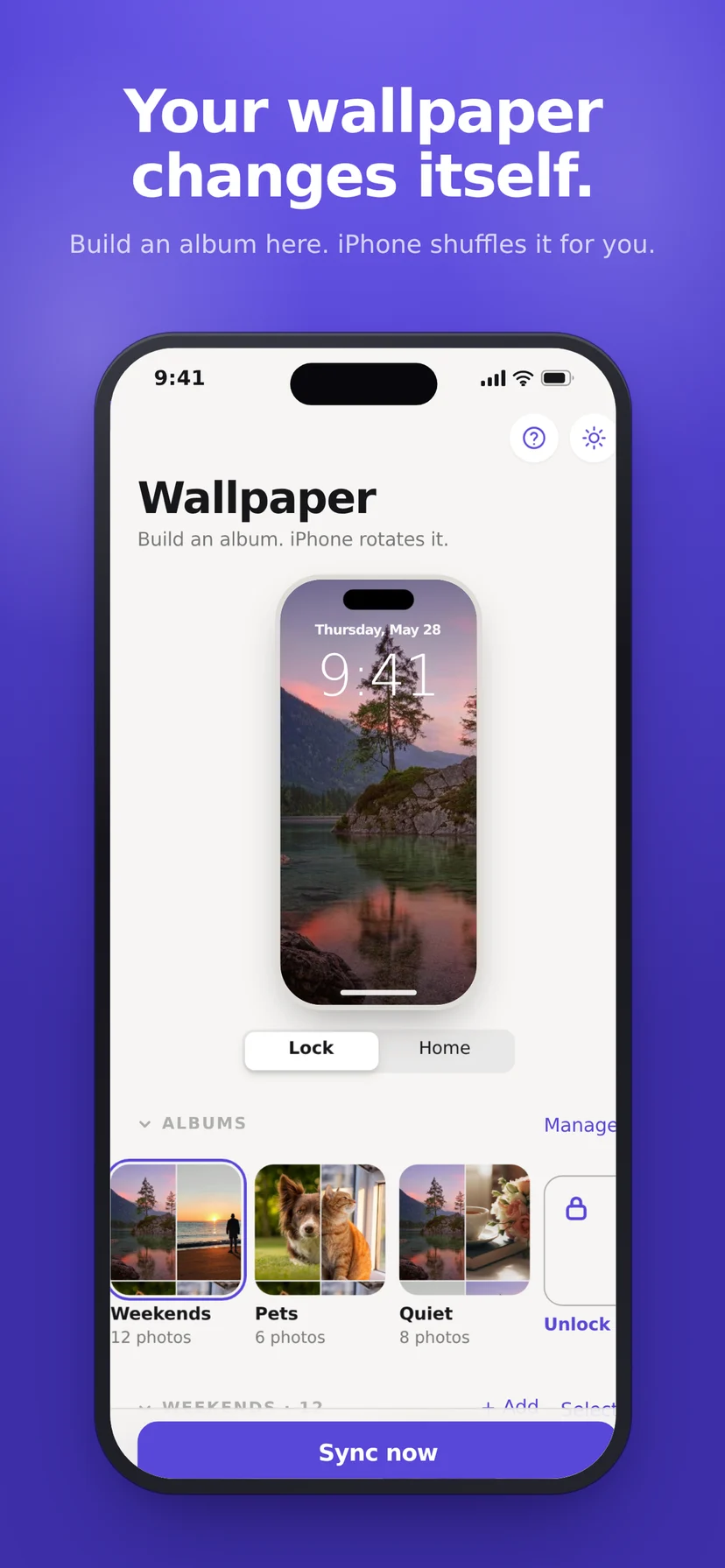
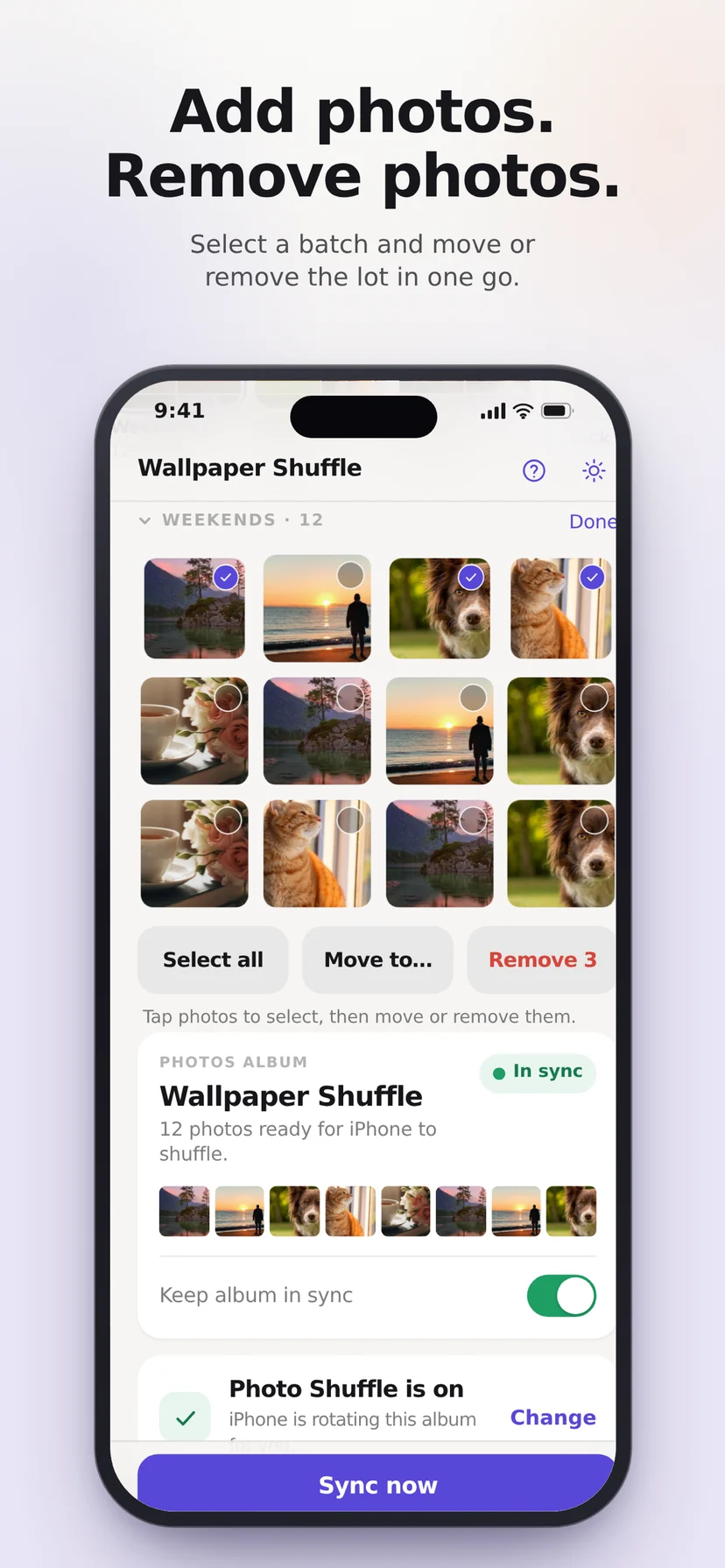
Apple does not let any app set your wallpaper directly. So the app builds a Photos album and hands it to Photo Shuffle, the feature Apple already ships. Sync once, point iOS at the album, and it rotates from then on. Setup takes about twenty seconds and the app walks you through it.
Private by design
Your photos stay on your phone
No server, no upload, no cloud copy.
No ads. No account. No subscription.
Nothing to sign up for and nothing interrupting you. Details in the privacy policy.
Two albums free. Forever.
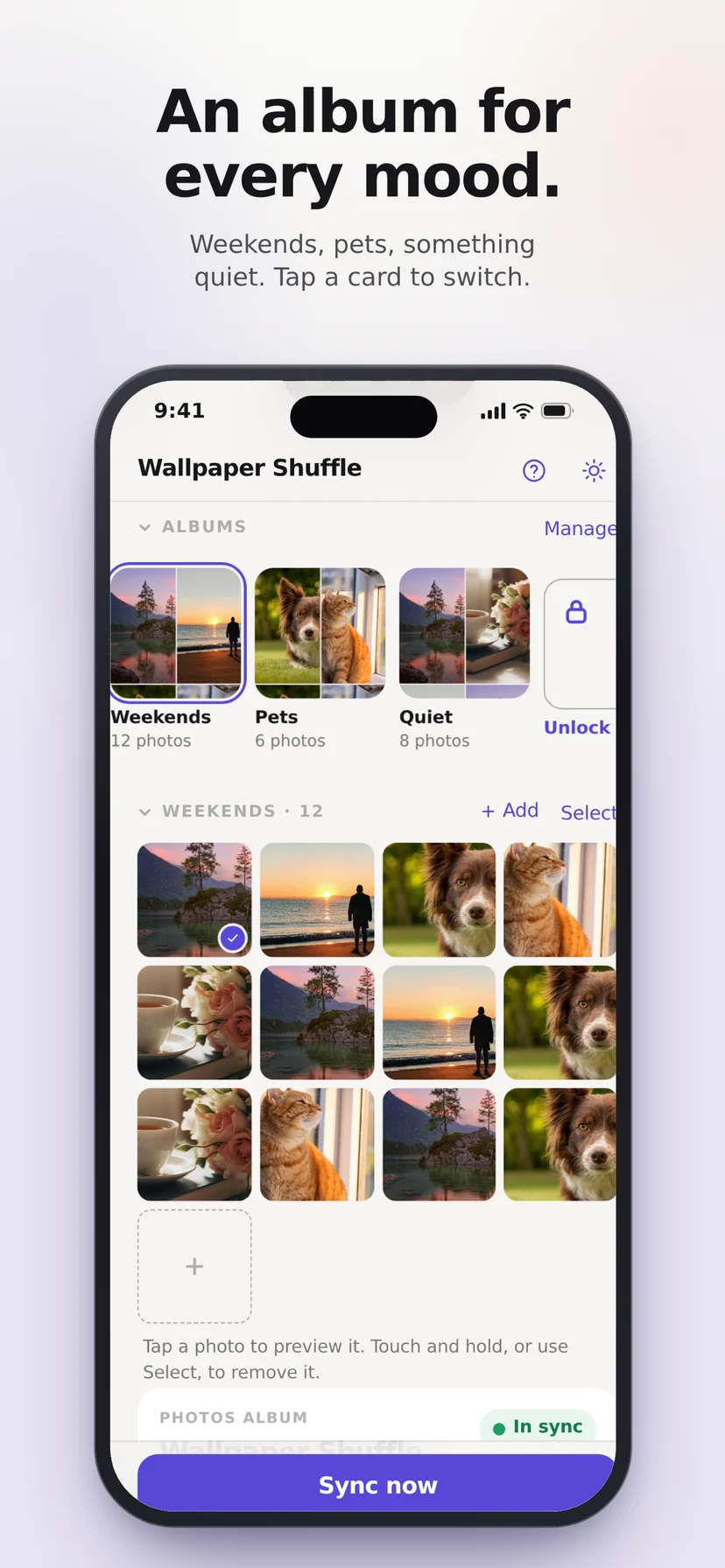
Every feature is in the free version. Want more than two albums? That's one small purchase, once. There's also an optional tip jar, a small way to say thanks if you enjoy the app.
Questions
How do I make my wallpaper change automatically?
Install Wallpaper Shuffler, pick a few of your own photos, and choose how often it changes: every unlock, every 15 minutes, every 6 hours, daily or weekly. It handles the rest.
Can it change my wallpaper every time I unlock my phone?
Yes. Every unlock is one of the rotation options, alongside 15 minutes, 6 hours, daily and weekly.
Can the lock screen use different photos from the home screen?
Yes. Run one album everywhere, or give the lock screen its own album, its own order and its own timing.
How does it work on iPhone?
Apple does not let any app set the wallpaper directly. Wallpaper Shuffler builds a Photos album and hands it to Photo Shuffle, the feature Apple already ships. Sync once, point iOS at the album, and it rotates from then on. Setup takes about twenty seconds and the app walks you through it.
Is Wallpaper Shuffler free?
Yes. Two albums are free forever, along with every other feature. More than two albums is one small purchase, once. There is no subscription. There is also an optional tip jar. It's simply a way to say thanks if you enjoy the app.
Does it have ads or upload my photos?
No ads, no account, and your photos never leave your phone.
Which devices and languages does it support?
iPhone, iPad, and Android 7.0 and up, including Android tablets and foldables. It ships in 17 languages: English, Spanish, Portuguese, French, German, Italian, Dutch, Polish, Turkish, Russian, Ukrainian, Indonesian, Hindi, Japanese, Korean, and Simplified and Traditional Chinese.